


VFX
29-12-2025
Beginner VFX Mistakes and How to Avoid Them in Your First Projects
Read More ...
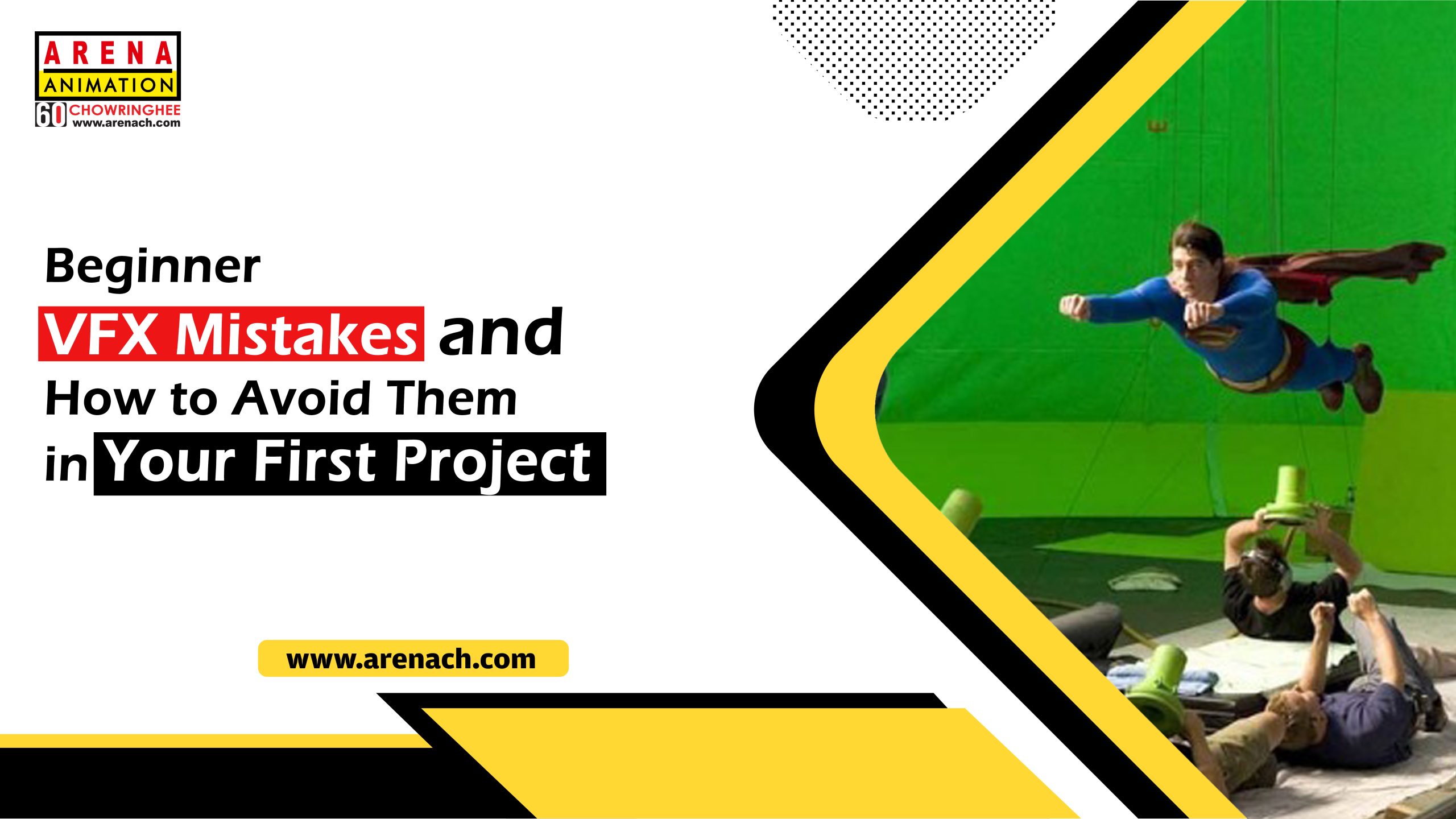
Today, many beginners jump into VFX excited by cool explosions and creatures but get discouraged when their first attempt at the shots look fake or messy. Most early stage problems begin from a few common VFX mistakes that are easy to fix once you know what to check for especially if you are following an organised and structured VFX artist course.
New artists often focus only on effects and forget why the shot exists in the first place. The result is a lot of chaos with no clear purpose.
When the story is clear, even simple VFX feels more powerful and professional.
One of the biggest VFX mistakes is when added elements do not match the real footage in lighting, perspective, or colour. That is what makes things instantly look “pasted on.”
Take time to compare your final frame with the original footage—side by side—until they feel like one image.
As your digital objects begin to move, jerk, or float, the trick is broken. Newbies frequently haphazardly go for tracking or a “good enough” approach.
Tracking has to be clean, and learning tracking is one of the core courses that all serious VFX artists have to take.
It is tempting to pile on lens flares, glows, particles, and color grades because they are fun. The danger is that your shot starts to look cheap and overprocessed.
Think of every extra effect as something that must justify its presence.
Poor masks, fringing, misaligned grain and sharp edges all indicate that the artist is a “beginner.” Most of the VFX errors can be found in the edges where different elements cross.
Clean, realistic edges can very easily raise the standard of your initial works.
Beginners often “guess” how fire, smoke, debris, or movement should look instead of actually studying real examples. The result feels like a cartoon even when you want realism.
Good reference is free training; use it for every shot you create.
When files are scattered all over, there are different versions that no one knows about, and the timelines are chaotic, it is almost impossible to resolve problems or give your work to another person. This is one of those invisible VFX mistakes that are difficult to notice but detrimental to the future nonetheless.
If you adopt these working methods in your early projects, they will eventually get you acquainted with real studio pipelines.
The main reason for this is that the new VFX artists are often too timid to present their work before it is “perfect,” which results in their making the same VFX mistakes over and over again for a longer period than necessary.
Feedback is not a criticism of your skill; it is a time saver to great results.
You can figure things out on your own, but there is something to be said about following a formal VFX artist course: you get access to structured workflow training, practical projects, and the instructor’s guidance on spotting errors that you miss out on. A good programme offers experience with tracking, compositing, and CGI work on step-by-step and project management training, in addition to regular critiques on how to create your first showreel.
If you treat every beginner shot as an opportunity to correct just one or two of these VFX mistakes, you will be moving along at a rapid pace. By patience, feedback, and proper training, you can turn your beginner shots into something you would be proud to include in your portfolio in very short order.




Leave a Reply