

VFX
24-10-2026
VFX vs Motion Graphics: Which Career Should You Choose?
Read More ...
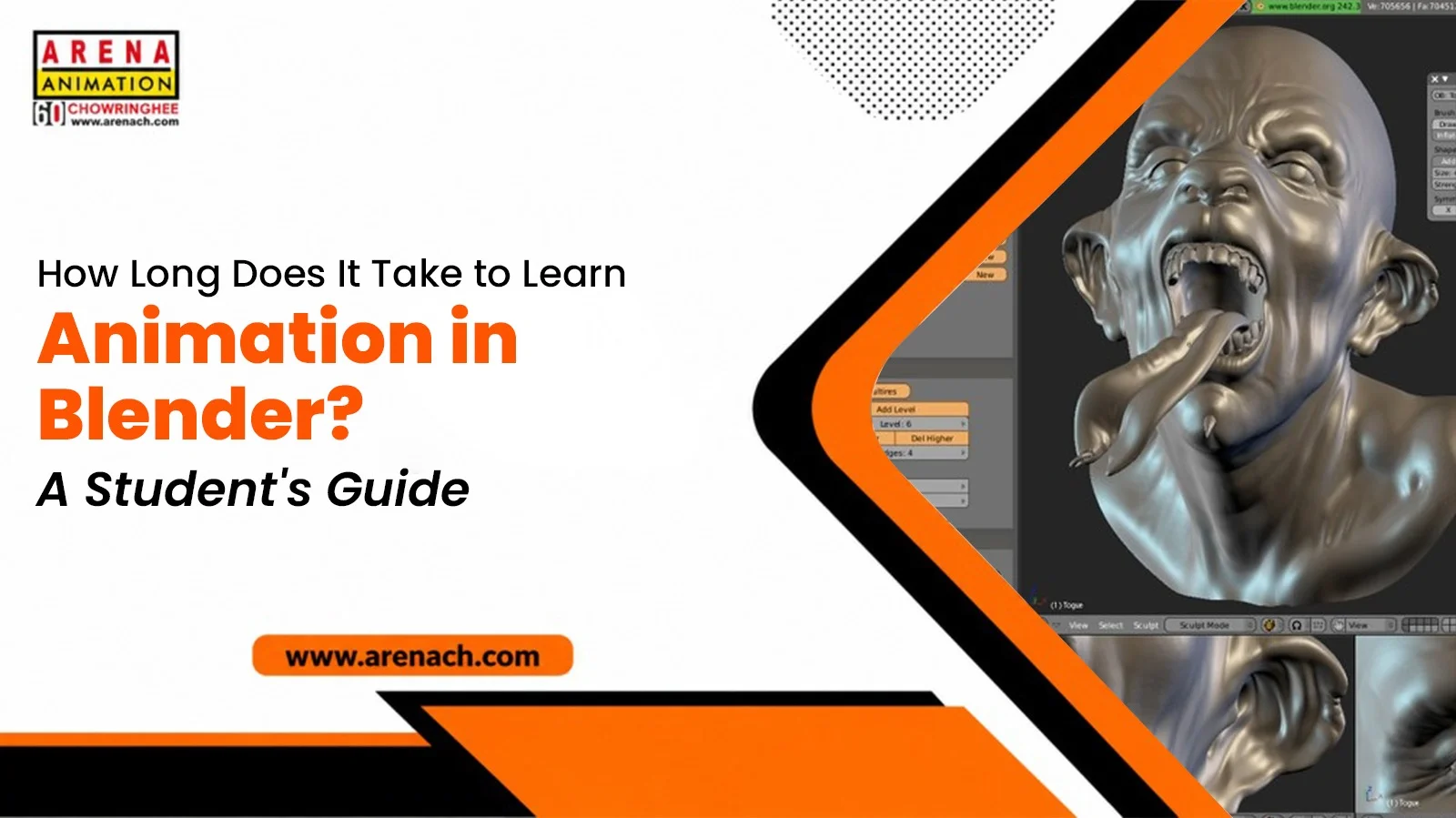
If you are new to Blender, one of the first questions you may have is: how long does it take to learn animation in Blender? It’s a fair question to ask early on, and it’s worth taking seriously. There isn’t one clean answer, though. Your goals matter, so does how often you practise, and so does the time you can realistically set aside each week.
There is no exact timeline for learning animation in Blender. Every student learns at a different pace and works toward different goals. A lot of beginners get comfortable with the basic tools inside a few weeks. Feeling genuinely at home in the software takes longer, usually a few months. And if you’re aiming for professional-level animation work, expect several months of steady learning before you’d call yourself ready for a job in this field.
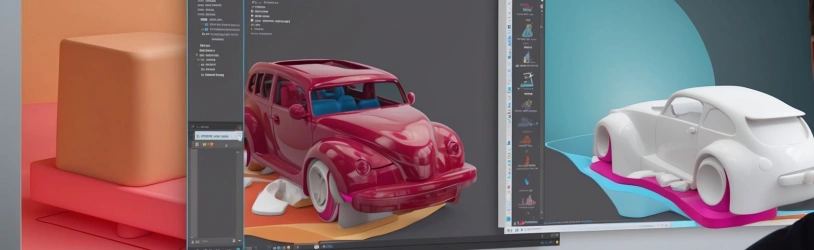
Blender isn’t one tool doing one job. Modelling, texturing, lighting, animation, and rendering are all packed into a single program. Knowing your way around the software doesn’t make you an animator overnight. There’s also timing to learn, and weight, and how movement carries a story forward. That’s really why this takes longer than a quick glance at the software might suggest.
Splitting the process into stages helps you see where you stand and stay motivated along the way. Below is a general guide that can help beginners understand the learning process. Your own pace will look a little different depending on how consistent you are with it.
Spend the early weeks getting used to the workspace and the core tools. Don’t rush into finished animations just yet. A few things worth covering:
• Getting comfortable moving around the interface and viewport
• Making and editing basic 3D objects
• Applying simple materials and colours
• Setting up lights and a camera
• Learning keyframes and basic animation controls
• Rendering your first small scene
Right now, feeling at ease with the tools matters more than doing something complicated.
Once the basics start to feel more familiar, students can begin shifting toward small projects rather than one-off exercises. UV mapping, texturing, lighting, and short animation clips usually start clicking around this point. Try recreating a simple scene from a reference photo — it’s a useful way to see how different skills fit together during real work, not just inside a single tutorial.
Once the fundamentals feel solid, students tend to move toward character animation, more detailed environments, and cleaner rendering work. This stage naturally stretches on, because 3D animation keeps growing alongside your ambitions. Even professionals working in the field continue developing new techniques years into their careers. Think of this stage as ongoing rather than something you eventually finish.
Showing up regularly beats an occasional weekend session. Practising for a focused hour or two a day, and applying what you learn right away, can help you build skills consistently. A rhythm worth trying:
1. Learn one technique
2. Use it right away in a small scene
3. Look back at what worked, and what didn’t
4. Pick a new skill the next day
Doing the work is what builds muscle memory. Watching alone won’t get you there.
Animation is only part of a much bigger picture. Getting finished work out the door usually takes a mix of technical skill and creative instinct:
• 3D modelling
• UV mapping and texturing
• Materials and shading
• Lighting and camera setup
• Animation principles and character rigging
• Rendering and post-production
• Portfolio building
Covering these together gives a much clearer sense of how an idea turns into something finished.
Yes. Beginners can start learning Blender without previous experience in 3D animation. An interest in drawing, design, or storytelling tends to help, since that instinct carries over into timing and composition later on. You don’t need to understand every concept before opening the software for the first time. Start small, and let confidence build as you go.
Many students start by picking up individual tools through scattered online videos. That approach can be useful for learning individual skills, while a structured course can provide a clearer path for understanding how modelling, texturing, lighting, and animation come together in a complete project. A structured course gives you a planned sequence, real assignments, and feedback from someone who already knows what matters in the field. This tends to offer a more organised learning path than piecing things together on your own.
Knowing every menu and shortcut was never really the point. A better test is whether you can take an idea and actually finish it as an animation. Worth asking yourself:
• Can I model and edit objects with some confidence?
• Can I light and texture a scene on my own?
• Can I animate movement that looks natural?
• Can I finish and render a complete project?
If most of those land on yes, you’re past the basics now.
A strong portfolio is an important part of becoming job-ready, along with practical skills, project experience, and relevant training. The timeline shifts depending on whether you want to become a 3D animator, character artist, or VFX artist — each role expects a slightly different mix of finished work and specialised skill.
Once your skills reach a working level, a range of paths open up. Students usually move toward:
• 3D animated shorts
• Character animation
• Product visualisation
• Game assets and environments
• Motion graphics
• Visual effects work
Picking one direction early tends to keep your practice focused and your portfolio more consistent over time.
Don’t try to learn every feature in one sitting. Follow a sequence where one idea builds on the last, and practise right after each lesson instead of stockpiling tutorials to watch later. When something breaks, take a minute to figure out why instead of starting over from scratch. Studying professional animated work sharpens your eye too, especially for lighting, timing, and camera choices.
So, how long does it take to learn animation in Blender? There is no fixed timeline, because every student learns at a different pace and has different goals. A beginner can grasp the fundamentals in a few months. Real professional-level skill takes sustained practice over a much longer stretch of time. Progress comes down to how often you show up, how well you use the guidance around you, and what kind of animation work you actually want to make. Learn one skill, put it to use in a small project, then move on to the next one. That steady practice is what helps turn Blender into a skill you can confidently use in real projects.
Wondering where you could put this kind of structured learning into practice? At Arena Animation Chowringhee, we have a long-standing track record of training students in Kolkata. Our Advanced Digital Graphics and Animation programme with the Blender option walks you through the full CG pipeline — modelling, UV mapping, texturing, lighting, animation, rendering, and post-production — over a 12-month course that also helps build your portfolio along the way.
If you’re weighing your options among animation colleges in Kolkata and want training that goes beyond scattered tutorials, our classrooms pair hands-on project work with guidance from experienced mentors. Students after a broader base can also look at our Advanced Program in Animation with Unreal Engine, which pairs animation with real-time game engine skills, or our Advanced Program in Visual Effects if you’re leaning toward VFX and compositing.
The courses include practical assignments that allow students to apply what they learn and develop finished projects for their portfolio. Career support, industry-relevant software, and an experienced faculty team round out the experience. If Blender and animation have caught your interest, this is a solid place to turn that curiosity into an actual skill set.
Que: Can I learn Blender animation while studying or working?
Ans: Yes. Many students learn Blender alongside school, college, or a job by practising for a focused hour or two each day. Consistency matters more than the total hours available in a week.
Que: What is the difference between Blender and 3D animation?
Ans: Blender is software — a tool used to model, texture, light, animate, and render. 3D animation is the skill or craft of bringing movement and life to characters and scenes. You can learn 3D animation principles using Blender, but the two aren’t the same thing.
Que: How long does it take to create a first animation in Blender?
Ans: A very simple animation, such as a bouncing ball or a basic object moving across a scene, can be created once you understand basic keyframes and timing.
Que: What is rigging in Blender animation?
Ans: Rigging is the process of building a digital skeleton inside a 3D model so it can be posed and animated. It’s a core skill for anyone moving into character animation.
Que: Can Blender skills be useful for careers outside animation?
Ans: Yes. Blender skills apply to product visualisation, architectural walkthroughs, game asset creation, motion graphics, and even 3D printing preparation, alongside traditional animation work.
Que: When should I start building a Blender portfolio?
Ans: As soon as you can finish small, complete projects — even simple ones. Building a portfolio gradually gives you time to improve your projects and present a stronger selection of finished work.
Que: Do I need drawing skills to learn 3D animation?
Ans: No, drawing skills are not required to start. They can help with composition and storytelling instincts, but many successful 3D animators build those instincts through practice rather than a prior drawing background.
Que: Can Blender be used for both animation and VFX?
Ans: Yes. Blender includes compositing, tracking, simulation, and rendering tools that are widely used in visual effects work, alongside its animation toolset.