

Animation
31-10-2026
Which Is Better Maya or 3ds Max for Animation?
Read More ...
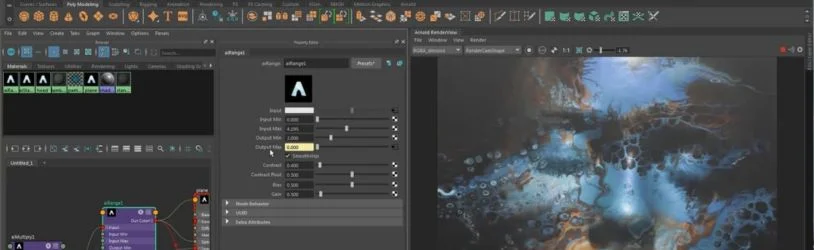
Autodesk Maya is professional 3D software. Artists rely on it for character animation, rigging, modelling, visual effects and simulation. You get close control over body movement, facial expressions and detailed scenes. Film, television and game studios use it, mainly for work that needs detailed character movement.
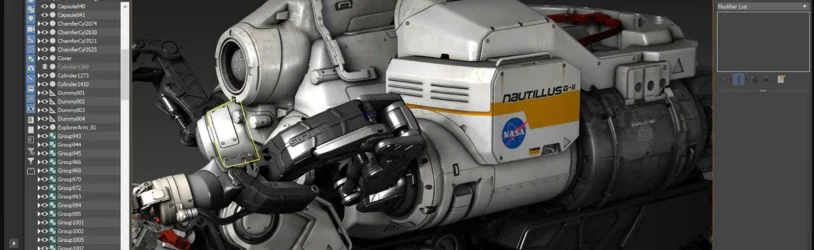
Autodesk 3ds Max is mostly used for modelling objects, building environments, and making architectural visuals and animated scenes. Its modifiers let artists shape complex forms and change them later without starting over. Games, product visuals and motion projects use it as well. If you like trying different kinds of 3D design, there’s plenty to try here.
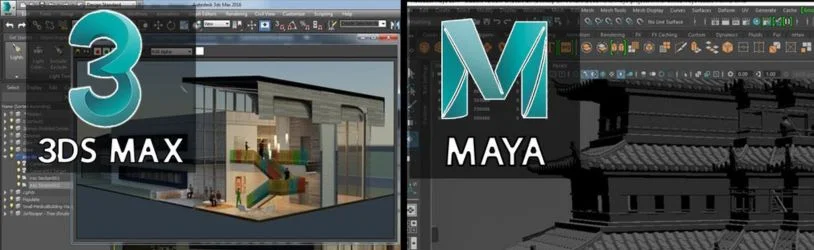
That depends on what you want to animate. If you want close control over character movement and rigging, Maya is a strong choice. 3ds Max suits 3D environments, objects, product visuals and animated scenes. Before you decide, think about the career you’re aiming for. Think about the projects you’d like in your portfolio, too.
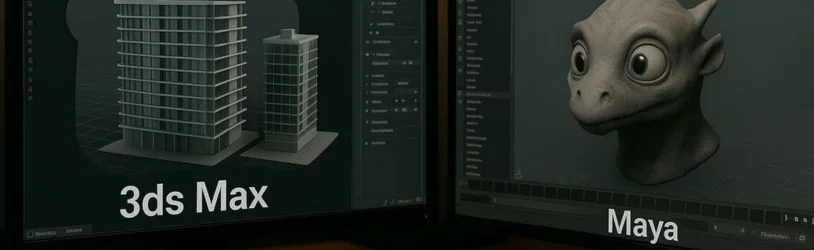
You’ll see the differences in the tools, the workflow and the way each program is usually used. Maya is well known for character animation and rigging. 3ds Max is popular for detailed modelling, texturing and design visualisation. Still, both handle modelling, animation, materials, lighting and rendering. So think about what you want to make and which skills you want to build.
| Feature | Maya | 3ds Max |
|---|---|---|
| Main focus | Character animation and VFX | 3D modelling and visualisation |
| Character animation | Detailed animation and rigging tools | Animation tools and controllers |
| Modelling | Characters, props and environments | Objects, props and detailed environments |
| Rigging | Advanced character rigging | Rigging tools, including CAT and Biped |
| Common uses | Films, television, games and VFX | Games, architectural visuals and product design |
| Rendering | Works with Arnold | Works with Arnold |
| Customisation | Python and MEL scripting | Python and MAXScript |
Both give you room to be creative. Go for the one that fits the work you want to practise and how you like to work.
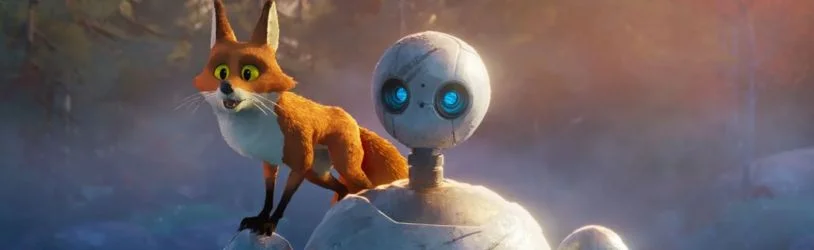
Character animation is about the movements, expressions and actions that make a character feel alive. Maya is a popular pick here, since you can adjust poses, timing and small details of movement. 3ds Max can animate characters too. But if characters are your main interest, Maya is worth a look.
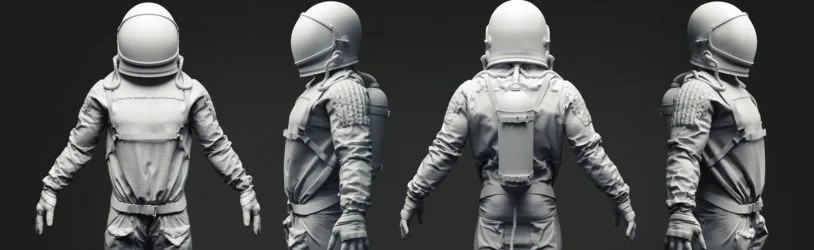
Both programs can build detailed 3D models. For animation projects, Maya works well for characters, creatures, props and environments. 3ds Max is flexible for objects, furniture, products, buildings and game environments. If designing objects and spaces appeals to you, give 3ds Max a try as well.
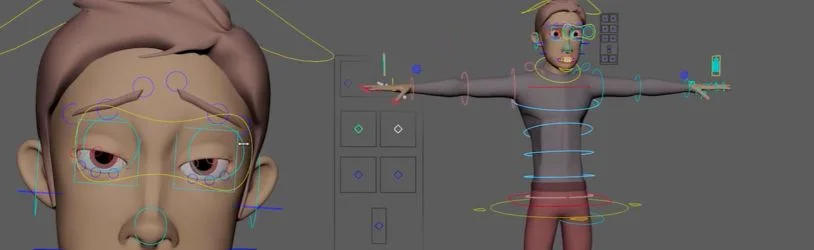
Rigging is like building a digital skeleton. It’s what lets a 3D character move. You set up joints, bones and controls, then use them to change the body and expressions. Maya has many rigging tools for detailed movement. 3ds Max has its own, such as CAT and Biped. Either can suit an animation project. The character and the needs of the project should guide your choice of tools.
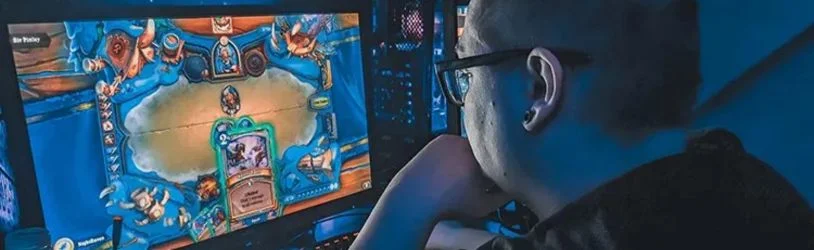
In film, television and games, Maya often handles character work, simulations and visual effects. 3ds Max is common in game development too, mostly for props, environments and detailed 3D assets. Each has a place in a gaming or VFX project. What counts most is your own focus: character movement, effects, modelling or environments.
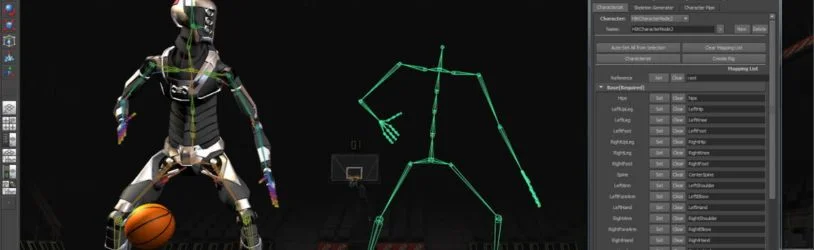
Any new software takes practice. That’s even more true if 3D models, materials, lighting and animation controls are new to you. If you’ve used design software before, the first steps may feel easier. Start with basic modelling and simple animation exercises. Move on to bigger projects later. The more regularly you practise, the more at ease you’ll feel with the tools.
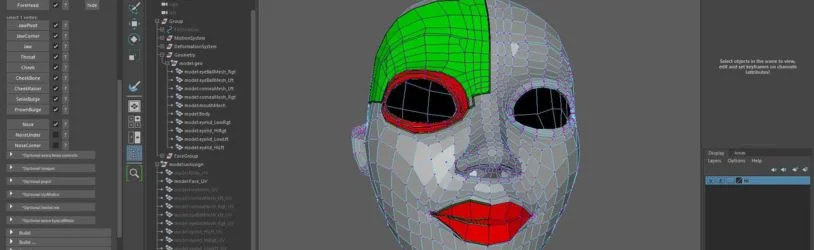
Learning either program can get you ready for creative roles. Maya skills suit character animation, rigging and VFX work. 3ds Max skills suit 3D modelling, environment creation and visualisation. Some jobs may ask for both, or for other tools. Whichever you pick, build a portfolio of finished projects. Use it to show your modelling, animation, lighting and presentation skills.
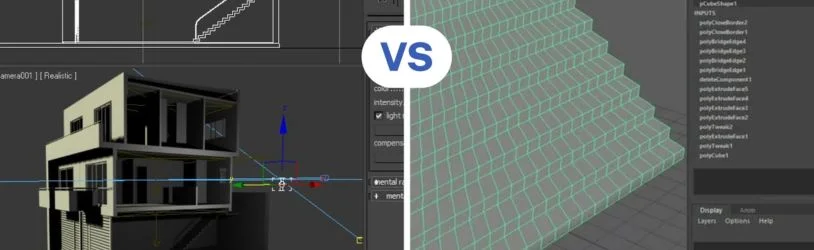
Think about the work you enjoy most. Here’s a quick guide:
You don’t need to master both at once. Start with one and learn its main features. Finish a few projects. Add another tool when you’re ready.
Software is just one part of animation. You also need to understand movement, timing, shape, lighting and composition. Start small, with a bouncing ball, a simple room or a short character walk cycle. Go back over your work and improve it. Save every finished project for your portfolio. This kind of practice lets you use what you’ve learned on real work.
So, which software should you choose? Maya is a strong option for character animation, rigging and visual effects. 3ds Max fits detailed modelling, design visualisation and environment creation. Both are useful to 3D artists. Look at your career interests and practise the features that match your goals. Build a portfolio too. Your skills and finished projects will show what you can do.
Want to learn animation and turn your ideas into 3D projects? At Arena Animation Chowringhee, we run courses that help students build skills in animation, visual effects, gaming and other creative fields. Our Advanced Digital Graphics and Animation (Maya) course lets you learn Maya as part of your animation training. You can also look at our Advanced Program in Animation with Unreal Engine, Advanced Program in Visual Effects and gaming courses, based on your interest. Practical sessions and project work build your skills in 3D design, animation and visual storytelling. Planning to join an animation course? Explore our programs and pick the one that suits your goals. Take the first step towards building your skills and your portfolio.
Que: Is Maya better than 3ds Max for character animation?
Ans: Maya is a popular choice for character animation. It has tools for rigging, movement, facial expressions and animation editing. 3ds Max supports character animation too. The right choice depends on the characters and projects you want to create.
Que: Can beginners learn 3ds Max without knowing Maya?
Ans: Yes. You don’t need any Maya experience to start with 3ds Max. Begin with basic modelling, materials, lighting and simple animation exercises. As you get comfortable, your skills will keep growing.
Que: Can Maya be used for game development?
Ans: Yes. Games use Maya for character modelling, rigging, animation and preparing 3D assets. Artists can make characters and creatures with movements that suit a game.
Que: Is 3ds Max useful for making animated films?
Ans: Yes. You can create animated scenes, models, environments and visual effects in 3ds Max. It works well for projects with detailed 3D assets and rendered scenes. Which one you use depends on your animation style and production workflow.
Que: Do Maya and 3ds Max offer rendering features?
Ans: Yes. Both support rendering and include tools for materials, lighting and scene presentation. Both also work with Arnold, which you can use to produce rendered images and animation sequences.
Que: What should I learn alongside Maya or 3ds Max?
Ans: Alongside the software, work on modelling basics, animation principles, lighting, texturing, composition and visual storytelling. Practise making complete projects and add your best work to your portfolio. These skills can help you prepare for different roles in animation and 3D design.