

Careers
25-09-2026
Jobs & Placements After Completing a Creative Course
Read More ...
If you’re new to design, you’ve probably asked this already. Illustrator or Photoshop, which one first? Both show up in almost every course. Both get mentioned in tutorials, job posts, everywhere really. But before picking one, it’s worth knowing what each program is actually meant for.
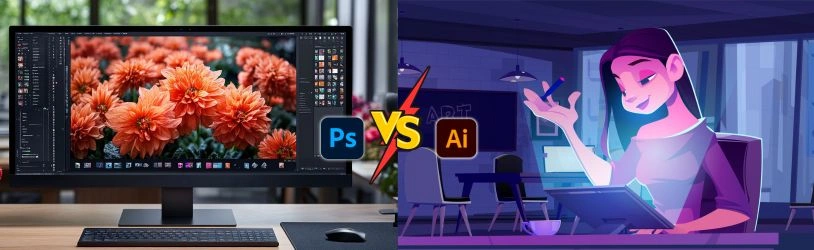
Illustrator makes art from paths, shapes and curves, drawn using math instead of pixels. That’s why a logo made in Illustrator still looks sharp when it’s stretched across a huge banner, not just squeezed onto a small card. Photoshop does the opposite. It runs on pixels and is meant for photos, textures, fine image work. Get this one difference down, and picking between the two stops feeling like guesswork.
Illustrator is your pick when artwork has to scale without going blurry. Designers grab it whenever clean lines matter more than photographic detail.
Some common uses:
• Logos and branding
• Icons and app symbols
• Packaging designs
• Posters and print material
• Typography and infographics
Take a logo as an example. It might sit small on a visiting card one week and blow up huge on a shop sign the next. Vector art makes that jump without breaking a sweat.
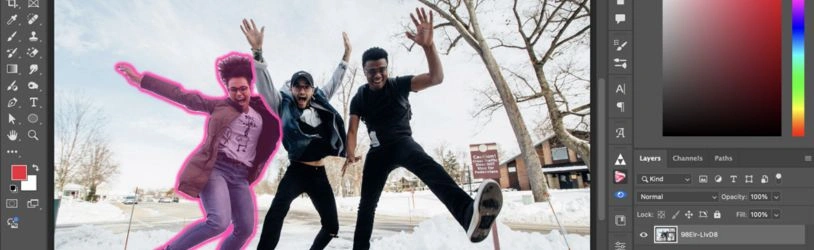
Photoshop steps in once photos or fine detail get involved. Since it works with pixels, you get much finer control over colour, light and texture.
Students usually reach for it when:
• Fixing or retouching photos
• Doing digital painting
• Making social media posts
• Blending multiple images together
• Building ad visuals around photography
Basically, whenever a photo needs fixing, blending or polishing, Photoshop is doing that job.
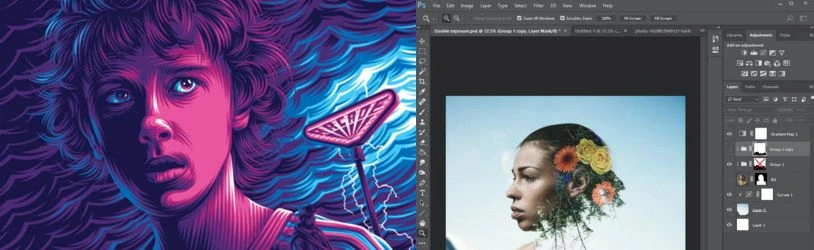
This is where a lot of students freeze up. Truth is, which is better for graphic design illustrator or photoshop really depends on what you’re building. No clean winner exists. Branding and scalable artwork suit Illustrator. Photo-heavy work suits Photoshop. Most working designers just keep both open and switch depending on the task.
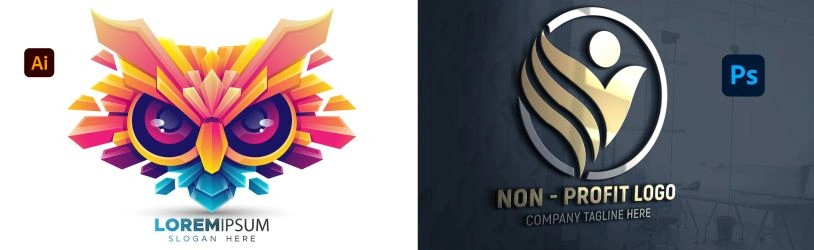
Logos go to Illustrator, almost every time. A logo needs to look identical whether it’s tiny on a phone screen or massive on a hoarding, and vector paths make that possible. Photoshop still shows up later though, usually to drop the finished logo into a mock-up or a promo image.
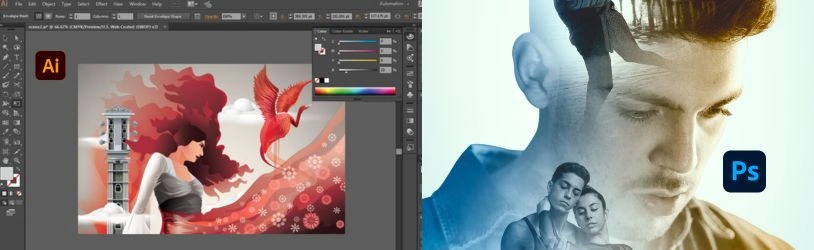
Photo editing is Photoshop’s job, plain and simple. Retouching skin, adjusting exposure, cutting backgrounds, merging shots together, it’s all baked into the software. Illustrator can hold a photo inside a design fine, but detailed editing was never really what it’s for.
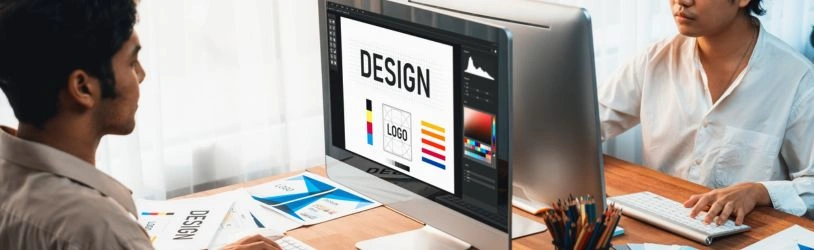
No fixed rule exists here, just go with what pulls you in. Like shapes, layouts, branding? Start with Illustrator. More into photography and digital art? Start with Photoshop. You’ll likely pick up the other one anyway once your interests widen a bit.
Real projects rarely stay in one lane. A brief might call for a logo in Illustrator, product photos edited in Photoshop, then both stitched into one ad. Learning both also teaches you when a vector file makes sense versus a raster one, something that comes up constantly across print, web and social platforms.
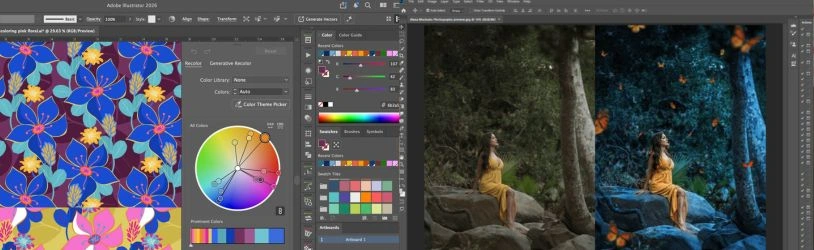
Which software you spend more time on often points to where your career heads. Illustrator skills feed into branding, packaging and print work, where clean shapes and scale matter most. Photoshop skills feed into photography, advertising and digital art roles, where image quality drives the final piece.
Get solid in both tools, and a fair number of roles become realistic:
• Graphic Designer
• Brand Identity Designer
• Social Media Designer
• Packaging Designer
• Photo Editor
• Visual Designer
• Advertising Designer
Knowing the software just opens the door. Your portfolio and your eye for design do the rest.
Stick to one program, and you limit what work you can take on. Someone who knows both Illustrator and Photoshop can move between branding jobs and photo-driven campaigns without missing a beat. That kind of range is often what separates a narrow skill set from one that actually gets you hired.
Software’s only half the story. Good designers also understand colour, typography, layout and visual hierarchy, and these guide nearly every choice made inside either program. Skip this part, and even strong software skills tend to produce work that feels flat.
A portfolio shows what training on its own can’t. Mix it up, a logo, a poster, a social post series, maybe a packaging idea, instead of five near-identical pieces. Add a line explaining the thinking behind each one. That context tells a recruiter more than the visuals alone ever will.
Start with fundamentals, not the fancy tools. Spend time first on colour, spacing, typography and composition. Then try small projects, a made-up brand, a basic poster, a simple photo edit. These little exercises build comfort with the software while sharpening your eye along the way.
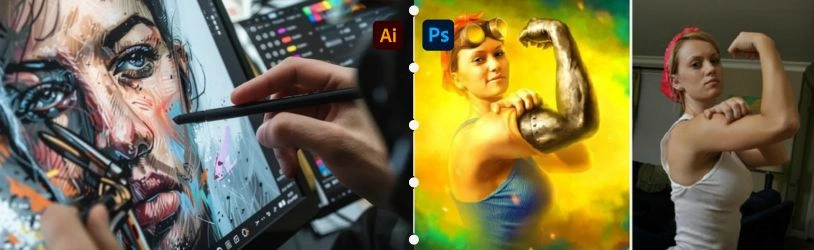
Let your career goals make the call here. Drawn to branding and logo work? Spend more time in Illustrator. More pulled toward photography, digital art or ad creatives? Photoshop suits you better. Either way, pairing software skill with solid design basics gives you more room to grow later.
So, which is better for graphic design, Illustrator or Photoshop? Neither one wins outright. They just solve different problems. Illustrator’s built for scalable, vector work like logos and branding. Photoshop’s built for photos and detailed image editing. Most designers end up learning both, and that combo usually opens the most doors.
Ever wonder what it takes to actually turn Illustrator and Photoshop skills into a real job? Arena Animation Chowringhee can help you figure that out. Our Next-Gen Graphic Design & Visual Design course builds a strong base in both tools along with branding and layout practice, while the Next-Gen Visual Design & Motion Graphics programme takes things further into motion-based work. Want something beyond this? Our UI/UX Design, Web Design & Development, Animation and VFX courses are worth checking out too. As the oldest and biggest Arena Animation centre in Eastern India, right beside Rabindra Sadan Metro Station, we’ve spent close to three decades turning student interest into job-ready skill, backed by hands-on training and real placement support. Looking for a graphic designing course in Kolkata students can actually build a career on? This is a solid place to start. Drop by the campus, talk to our faculty, and find the course that fits where you want to go next.
Que: Which is better for graphic design, Illustrator or Photoshop?
Ans: Neither wins across the board. Illustrator works better for vector projects like logos and branding. Photoshop works better for photo editing and pixel-based design.
Que: Should beginners learn Photoshop or Illustrator first?
Ans: Depends what draws you in. Illustrator suits students who like logos and shapes. Photoshop suits those pulled toward photography and digital art.
Que: Can I use Illustrator and Photoshop together?
Ans: Yes, quite often actually. A logo made in Illustrator paired with photos edited in Photoshop is a pretty common combo for one finished design.
Que: Is Illustrator good for logo design?
Ans: Yes. Its vector base means a logo scales up or down without losing sharpness, which is why it’s the standard pick for logo work.
Que: Is Photoshop enough to become a graphic designer?
Ans: It’s a useful tool, but graphic design also needs typography, colour sense, layout and composition, skills that go beyond any single program.
Que: Should graphic design students learn both Illustrator and Photoshop?
Ans: Yes. Since each one does something different, knowing both gives students room to take on a wider range of design work.